The Story
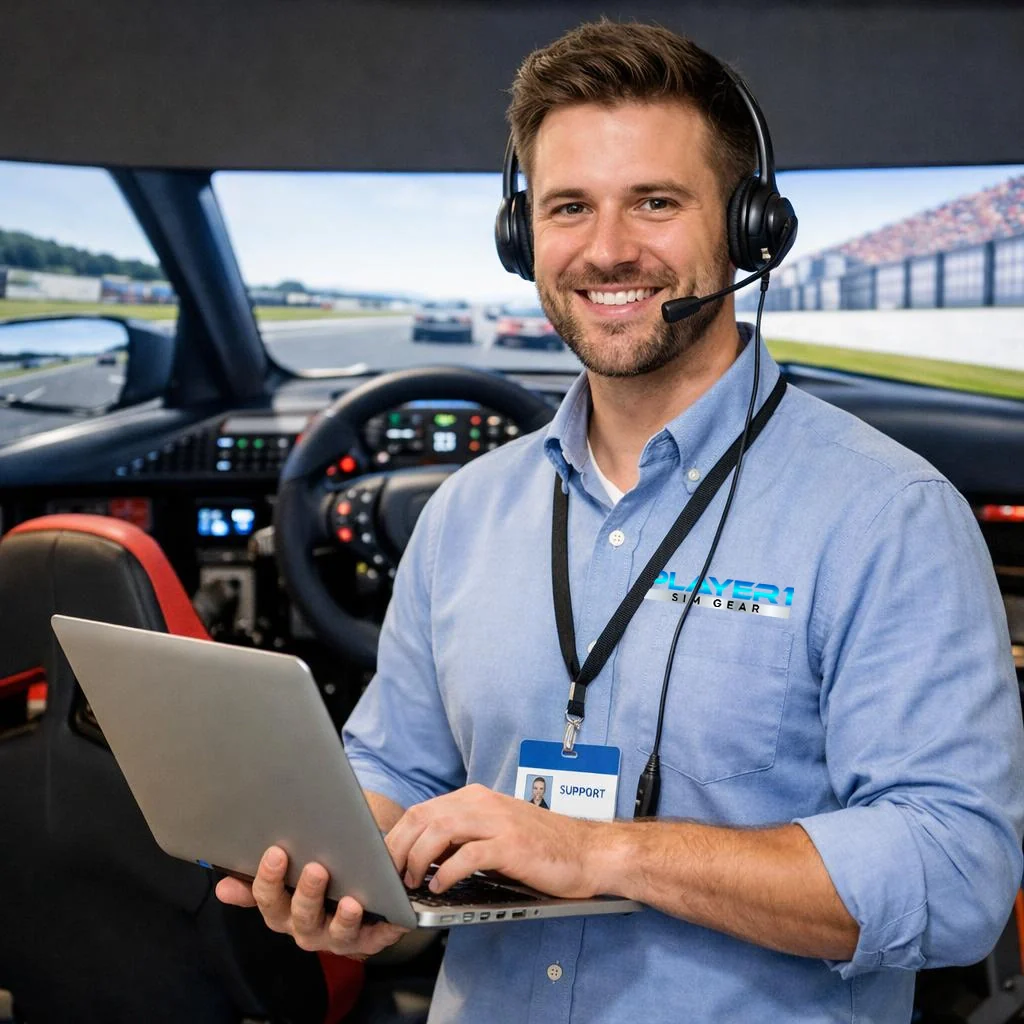
Player1 Simulator Remote Support Service
Need help configuring your new hardware? Sim not behaving? Peripherals not working? We can help.
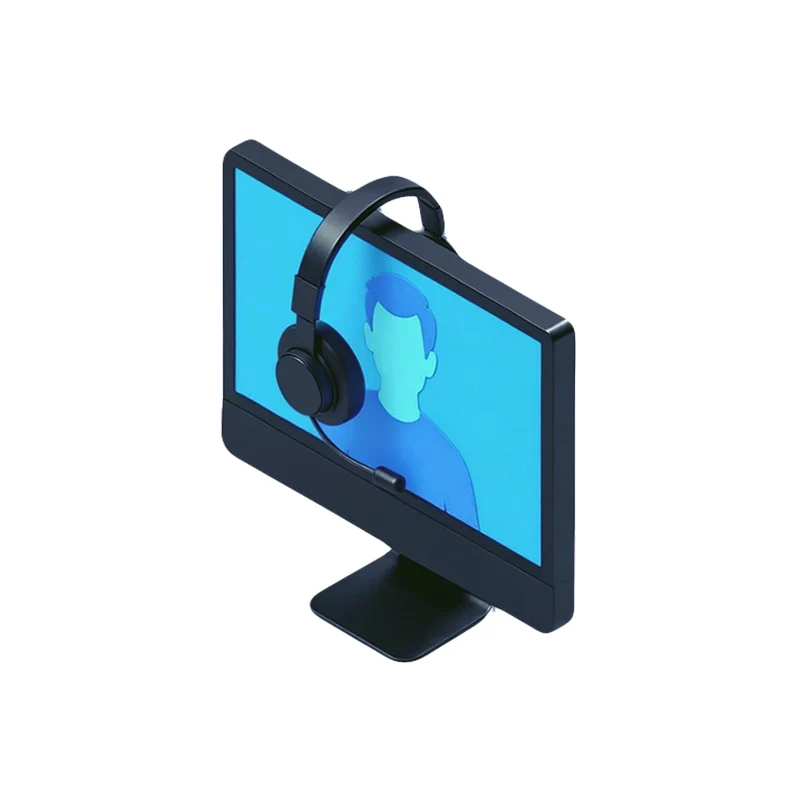
If tech issues are stopping you from just getting in and racing or flying, then don't worry, we've got you covered. Let us take the stress out of your simulator experience, book a 1:1 remote service call with a Player1 Sim Technician.
Subscribe and Save:
Like a regular call to keep everything humming along and get in front of issues before they cause a drama? Sign up to our monthly support service and lock in 1 or 2 hours of expert sim support every month so you can focus on racing or flying - let us sort the tech stuff.
What's included with a Player1 Sim Technician service subscription?
Through a remote connection session, we'll seamlessly dial into your PC and troubleshoot any issues you're experiencing with your simulator. We tackle any and all sim-related problems. Including, but not limted to:
- Initial simulator setup
- New peripheral configuration and setup
- SimHub configuration
- Issue diagnosis
- Software glitches
What's not included? We're sim guys. If the issue is more on the core-PC side of things (like a windows driver issue), or if it's hardware-related and we can't fix it, we'll put you in touch with PC specialists who can help, or we'll direct you to your best port of call. Don't worry, we won't leave you stranded.
How does it work?
- Order the number of hours you'd like to start with. Don't worry, we can always add more time if need be. One of our friendly representatives will then be in touch to find a time that is convenient for you. We are able to offer non-business hours slots including evenings and weekend bookings to work around your schedule.
- We will then send you a simple 3-step guide to prepare for the call, basically just setting up a headset so we can communicate. Everything else we will take care of on the call.
What do you need?
- Just a hands-free headset so we can communciate. Ideally over the PC, but via mobile phone is fine too as long as you can be hands-free.
Contact us today to learn more about our Remote Simulator Support Service and discover how we can help you overcome any software or hardware challenges with your simulator.
Details & Craftsmanship
Every detail has been carefully considered to bring you the perfect product.
Description
Player1 Simulator Remote Support Service
Need help configuring your new hardware? Sim not behaving? Peripherals not working? We can help.
If tech issues are stopping you from just getting in and racing or flying, then don't worry, we've got you covered. Let us take the stress out of your simulator experience, book a 1:1 remote service call with a Player1 Sim Technician.
Subscribe and Save:
Like a regular call to keep everything humming along and get in front of issues before they cause a drama? Sign up to our monthly support service and lock in 1 or 2 hours of expert sim support every month so you can focus on racing or flying - let us sort the tech stuff.
What's included with a Player1 Sim Technician service subscription?
Through a remote connection session, we'll seamlessly dial into your PC and troubleshoot any issues you're experiencing with your simulator. We tackle any and all sim-related problems. Including, but not limted to:
- Initial simulator setup
- New peripheral configuration and setup
- SimHub configuration
- Issue diagnosis
- Software glitches
What's not included? We're sim guys. If the issue is more on the core-PC side of things (like a windows driver issue), or if it's hardware-related and we can't fix it, we'll put you in touch with PC specialists who can help, or we'll direct you to your best port of call. Don't worry, we won't leave you stranded.
How does it work?
- Order the number of hours you'd like to start with. Don't worry, we can always add more time if need be. One of our friendly representatives will then be in touch to find a time that is convenient for you. We are able to offer non-business hours slots including evenings and weekend bookings to work around your schedule.
- We will then send you a simple 3-step guide to prepare for the call, basically just setting up a headset so we can communicate. Everything else we will take care of on the call.
What do you need?
- Just a hands-free headset so we can communciate. Ideally over the PC, but via mobile phone is fine too as long as you can be hands-free.
Contact us today to learn more about our Remote Simulator Support Service and discover how we can help you overcome any software or hardware challenges with your simulator.